One browser workspace
Page edits, markup, search, redaction, and export in one place—nothing to install.
Annotate, redact, reorder pages, merge or split, run signature requests, and share read-only links—all in your browser. No install, no plug-ins.
Included at a glance
Editor, Request Sign, and file library—this is the same in-browser workspace you get after you sign up.
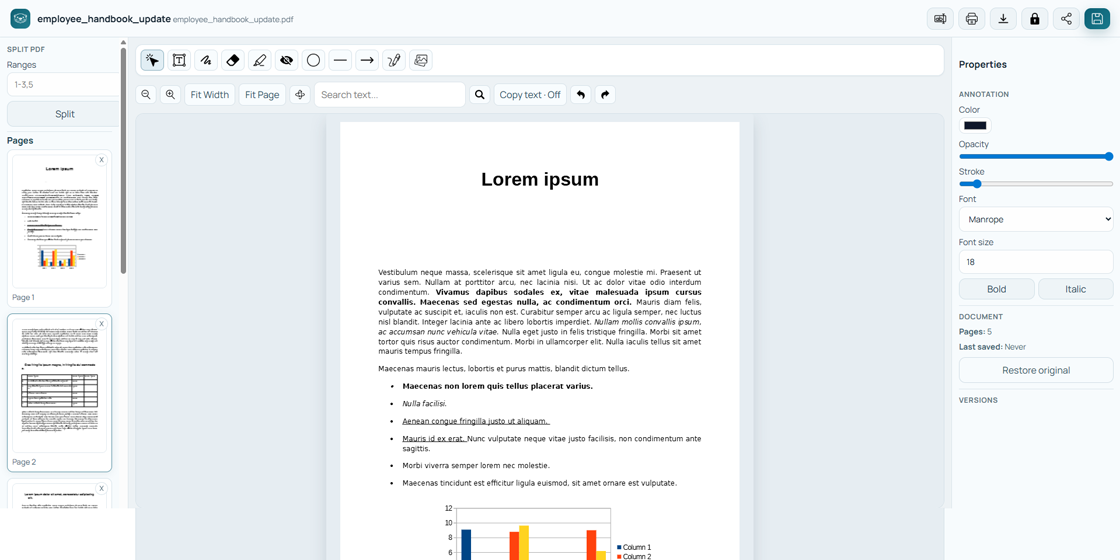
Markup, redaction, signatures, and page tools on the canvas.
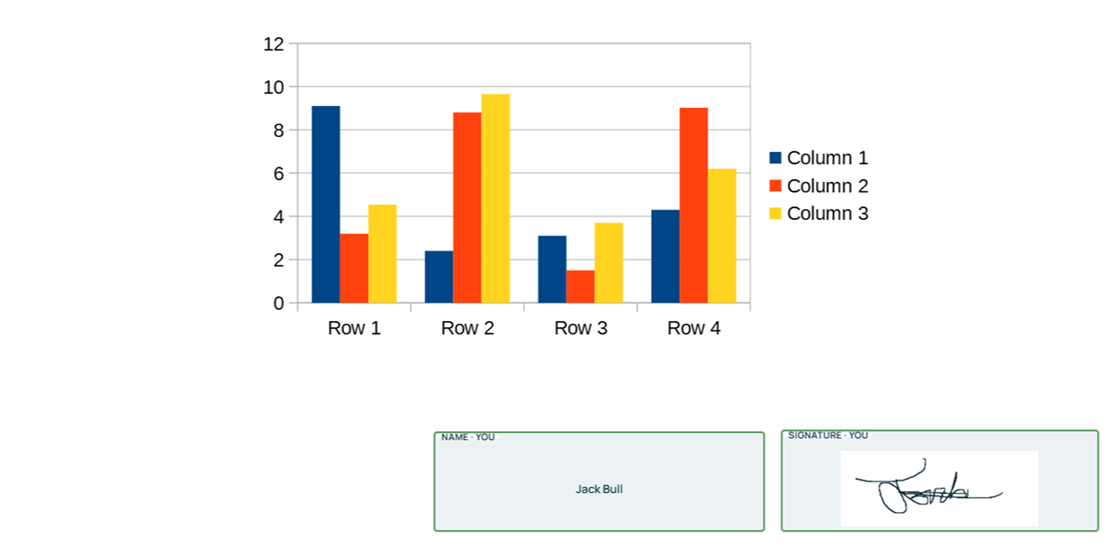
Place fields, invite signers, and track completion from one place.
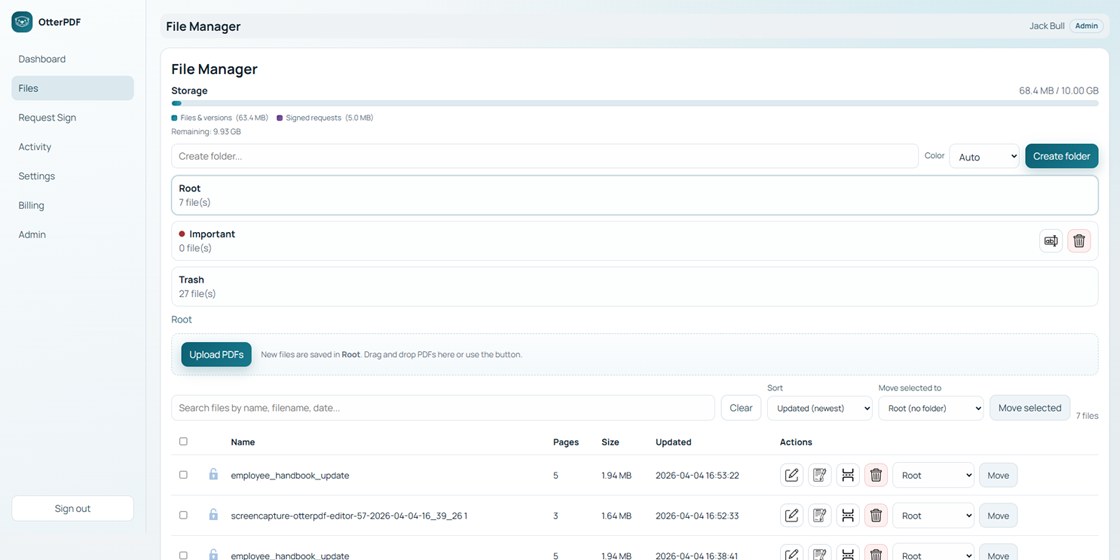
Folders, versions, and storage at a glance on the dashboard.
Page edits, markup, search, redaction, and export in one place—nothing to install.
Email signers, place fields, send private links (no OtterPDF account needed). Get a flattened PDF and read-only link when everyone’s done.
Optional read-only URLs from your library—separate from Request Sign signer links.
Password-protected PDFs stay locked until you enter the password—safer for sensitive files.
Dashboard and Files show usage. Uploads, versions, and completed signed PDFs count toward your quota.
Color-tagged folders, bulk moves, trash and restore, plus an activity log for recent actions.
Upload or draw a signature and place it on the page without leaving the document.
Combine PDFs, split by page ranges, and reorder pages from the editor workflow.
Download from your library; print the secured original or your edited PDF after unlock.
Add one or multiple PDFs and open them instantly in your browser.
Annotate, redact, sign, reorder, search—or start Request Sign and share links when you’re ready.
Save versions, download PDFs, and share read-only copies when signing completes.
Teams handling forms, contracts, labels, and reports who need quick edits without heavy desktop software.
Create a free account to keep files and versions, or try guest mode first and decide later.