Edit and annotate
Text, highlights, redaction, arrows, signatures (upload or draw), and images—placed directly on the page.
Editing, Request Sign, sharing, and organization in one browser workspace—no install required.
Text, highlights, redaction, arrows, signatures (upload or draw), and images—placed directly on the page.
Invite signers by email, place fields, send private links (no OtterPDF account needed). Resend reminders; get a flattened PDF and read-only link when done.
Optional read-only URLs from the editor so others can open a file in the browser—separate from signing links.
Combine PDFs into one document or split by flexible page ranges.
Full-text search, thumbnails, and keyboard shortcuts for long documents.
Save named versions and roll back when you need an earlier state.
Folders, color tags, bulk moves, rename, and restore from trash.
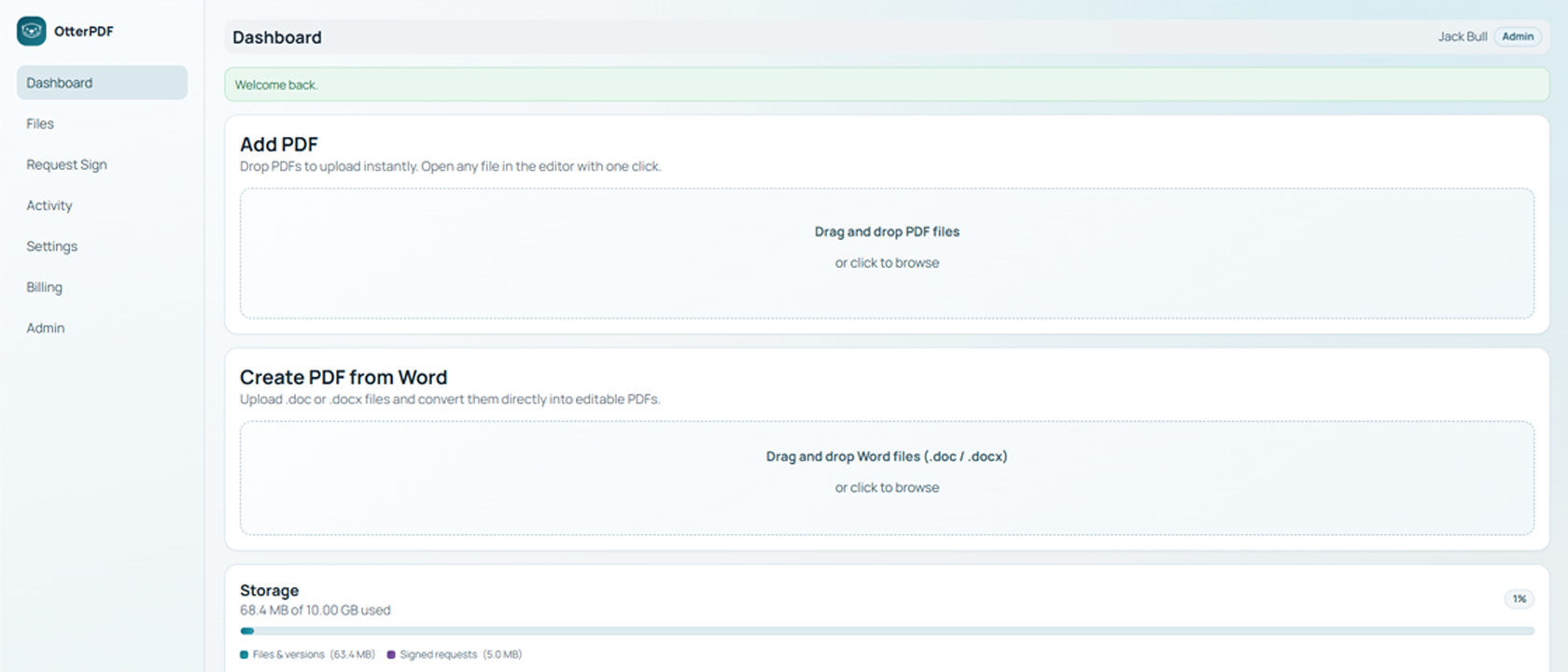
See allowance usage on the dashboard and in Files. Uploads, versions, and completed signed PDFs all count toward quota.
Chronological workspace activity for signed-in users, with pagination.
Private storage, password-PDF unlock, and admin or standard roles for teams.
Try without registering. Create an account for persistence, Request Sign, and share links; verified users can migrate eligible guest files.
Download from your library; print the secured original or the edited PDF after unlock.
Create a free account to keep files and versions, or open guest mode to test the workflow first.